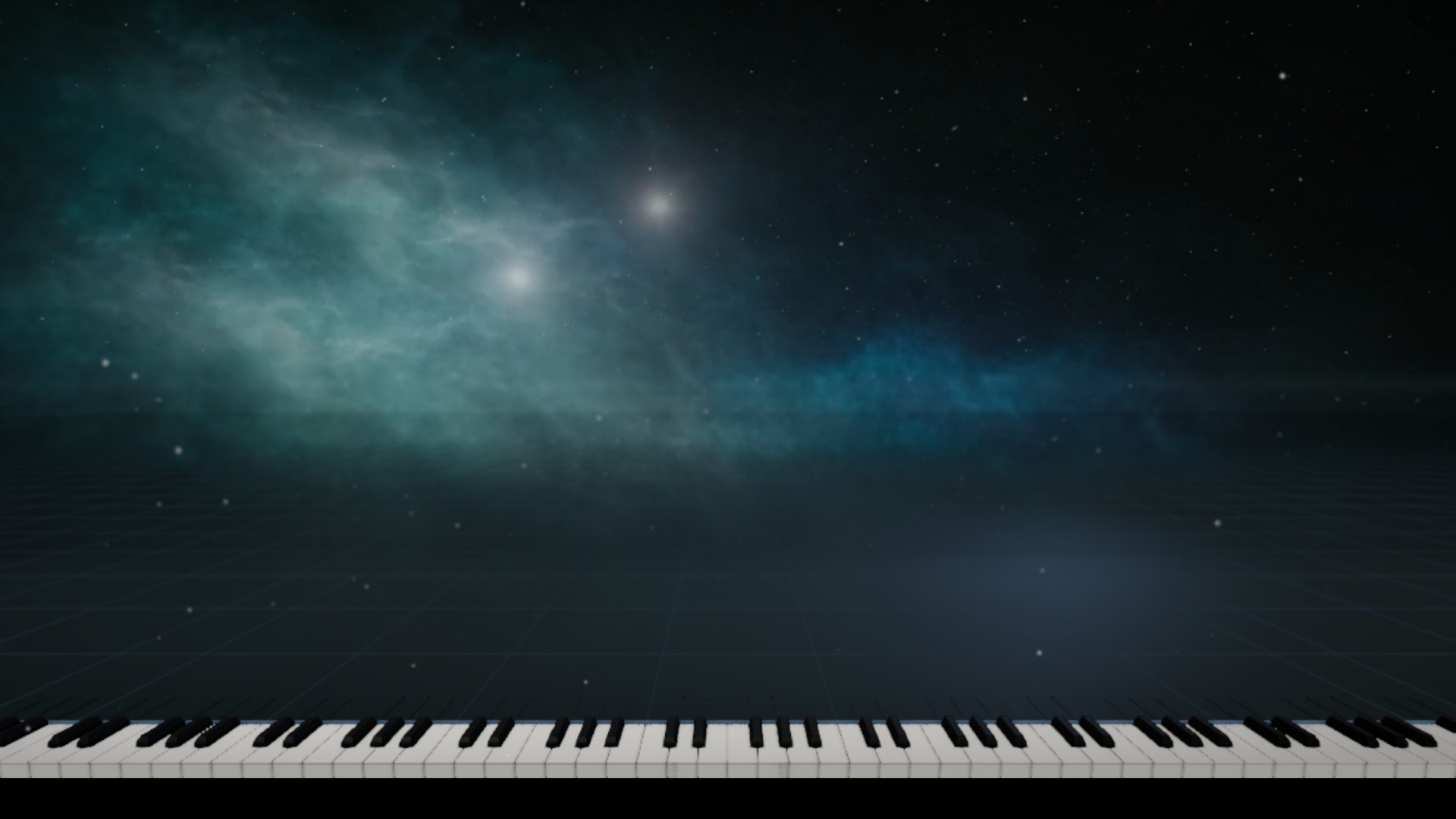
Make your music impossible to scroll past.
Your MIDI. A 9:16 video. Nothing to install, no video editor. Drop in a MIDI file, add your audio, and export a post-ready Reel — right in your browser.
Get updates by email, and help support Klid:
No credit card. Free forever; Pro is coming soon at $19.99 one-time. Unsubscribe any time.
This is what your MIDI becomes.
Four real 9:16 exports, straight out of Klid. Press play, then use the arrows for the next one.
-
Tesseract
Music: Lior Goldberg
-
A premonition
Music: Lior Goldberg
-
J Journey
Music: Yosef Shimonii
-
Sheer Magnitude
Music: Blackened Gold
1 of 4
MIDI in. Share-ready video out.
Drop in a MIDI file, add your audio, and export a finished vertical video without leaving your browser. One tool, one export, done.
Built for vertical video.
Reels. TikTok. Shorts. Your audience is watching vertically. Klid renders natively in 9:16 — the piano fills the frame, the notes fall the way they should, and the export is ready to post.
- 1080×1920 — no cropping, no black bars
- Your audio mixed in — upload directly
- 9:16 export is free — no upgrade needed
- Runs in your browser — nothing to install
What Klid does differently.
Klid takes you from a MIDI file to a finished vertical video without leaving your browser: your audio mixed in, the shot directed, ready to post.
| Comparison | Klid | Keysight | SeeMusic | Synthesia | Embers | midee |
|---|---|---|---|---|---|---|
| Where it runs | In your browser | Desktop app (Windows, macOS) | Apps (Windows, macOS, iOS, Android) | Desktop and tablet apps | Windows desktop app | In your browser |
| How you pay | Free, or $19.99 one-time for Pro | $29.99 one-time | Free download, PRO subscription | Free download, $29 one-time upgrade | Free tier, or $5–$20 a month on Patreon | Free, open source |
Checked against each product's own website on 25 September 2026. Prices and plans change; if one is out of date, tell us at hi@klidpiano.com.
Pay once. Own it forever.
No subscription, no per-export limits. $19.99 gets you every Pro feature and every 1.x update.
- MIDI import
- Six note styles
- Every colour, with left- and right-hand colours and a Hands editor
- 9:16 and 16:9 export, 1080p, with your audio
- Two camera views, with zoom and pan
- Four cinematic backgrounds, or your own video or image
- No Klid mark on exports
- Your own logo
- Camera keyframes
- 4K export
- Particle styles
- Everything in Free
- No Klid mark, or your own logo instead
- Camera keyframes: zoom, pan and view moves over time
- 4K export (2160 × 3840 vertical)
- Particle styles: Dust, Marine snow, Glass cubes
- Curated background sets, as the library grows
Built by a musician, for people who make music.
Klid turns a MIDI file of a piano piece into a cinematic video, right in your browser. There is nothing to install, and your music and files never leave your computer.
I’m Lior Goldberg, a composer, pianist and producer from Israel, and I’m building Klid. It is a beta, so every bug report, idea and video made with it shapes what comes next.
What would make this perfect for you?
Klid is being built in the open. Drop a feature request, a workflow you want solved, or just say what you think. Every suggestion is read.
Leave a suggestionGoes straight to hi@klidpiano.com.
MIDI in. 9:16 video out. Post it tonight.
Get updates when new versions arrive and when Pro launches, and help support Klid while it grows.